How Andre Sets Up Eaglesoft to Use Pervious Periodontal Charting for New Exams

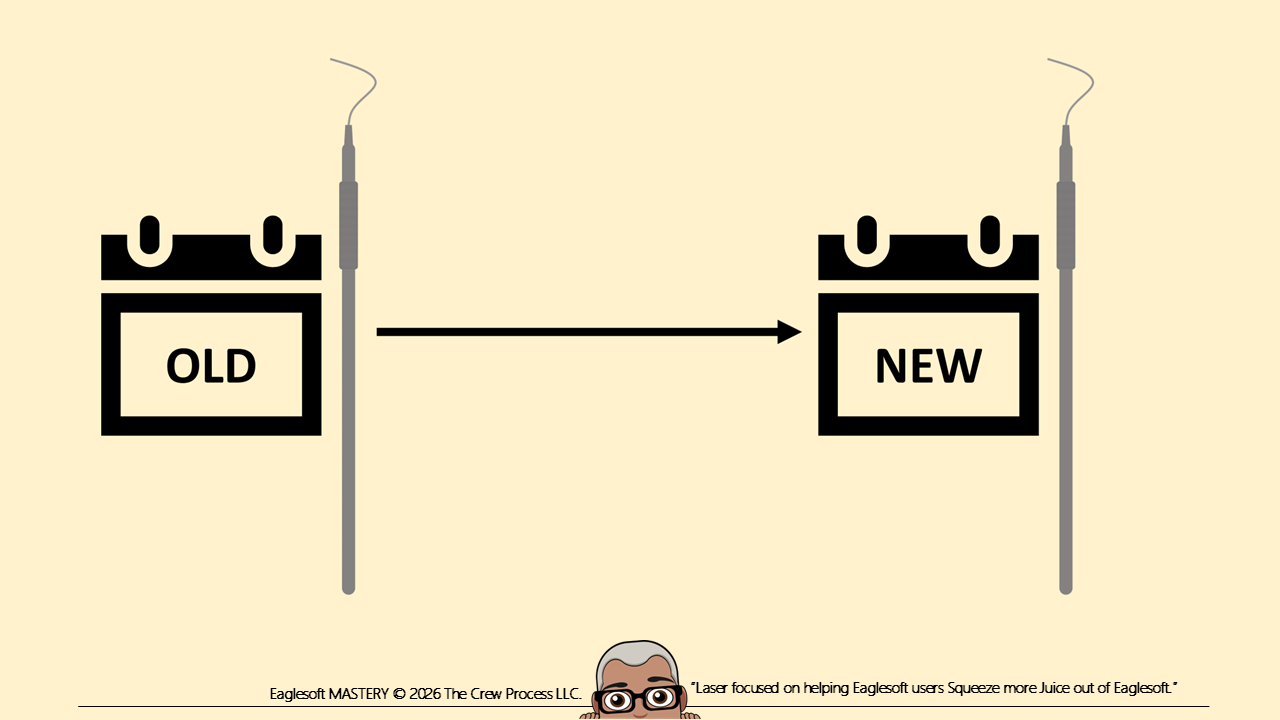
There is a setting in Eaglesoft that allows the users to begin a Periodontal Charting with the information from the previous charting. What this does is when you open a Perio chart, the previous data fills a New chart. Then you can edit the data and save it without impacting the previous data.
Lists>Preferences>Perio>Use Previous Perio data when starting new exam (see picture).
This is a Workstation specific setting so it will have to be updated at all workstations.
If you have "Use Previous Perio" set in the Preferences, you will just need to enter the new findings and then click Save. That will create a whole new saved Perio Chart. No need to click New Exam.
NEVER "edit previous”! As a matter of fact, block the ability to Edit Perio Exams in the Security Profiles of Clinical Users.
DISCLAIMER:
This is a resource guide and all decisions on each dental office setup should remain the sole decision of the dentist/owner of the practice. Eaglesoft is a registered trademark of Patterson Dental Company. All other software or products mentioned are the property of their respective owners. Although Andre Shirdan was an employee of Patterson Dental, he is not associated with Eaglesoft or Patterson Dental Company or endorsed by Patterson or any other Company Mentioned in this blog. Although I have gone to great lengths to make sure the information is accurate and useful, I recommend you consult a lawyer if you are seeking legal advice.
In no event will the creator of this document be liable for loss of profits or special, indirect, or consequential damages. No action relating to obligations here under may be brought by the reader or author more than one year after the occurrence of the event giving rise to any cause of action. The writer accepts no legal responsibility for the correctness and completeness of this material and its application to specific factual situations.