
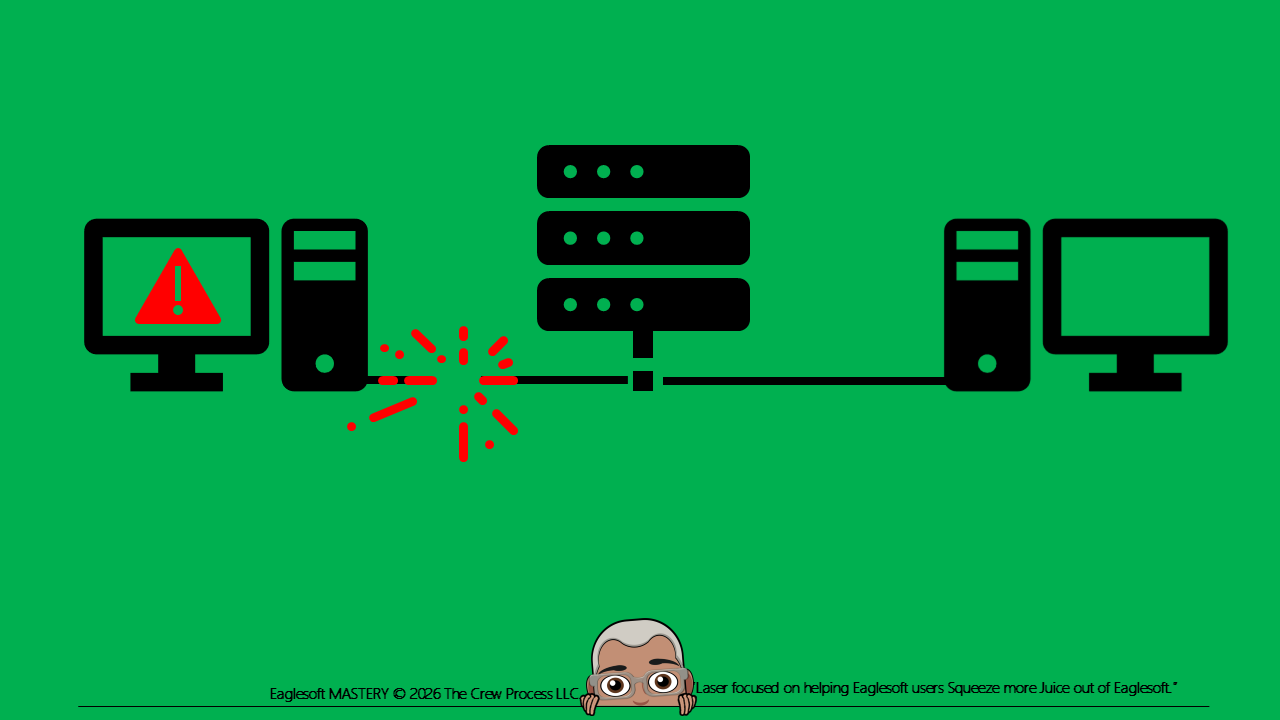
Many time there is an error in Eaglesoft like: “Cannot connect to Database” or “[Sybase][ODBC Driver][SQL Anywhere]Connection was terminated”
This can be as simple as the workstation has lost connection to the Server.
Try this:
Go to the Windows Device Manager (within the Control Panel)
Look the Network Adapters.
Expand all of them;
Right click on EACH and select Properties.
For each that has a Power Management tab,
uncheck the two boxes: Allow the computer to turn off this device to save power AND All this device to wake the computer.
DISCLAIMER:
This is a resource guide and all decisions on each dental office setup should remain the sole decision of the dentist/owner of the practice. Eaglesoft is a registered trademark of Patterson Dental Company. All other software or products mentioned are the property of their respective owners. Although Andre Shirdan was an employee of Patterson Dental, he is not associated with Eaglesoft or Patterson Dental Company or endorsed by Patterson or any other Company Mentioned in this blog